Free, no sign-up, works on Chromebooks
SolveCalc.lol - the free online calculator for everyday sums
A proper desk calculator in your browser, with a percent key that works the way you expect, a notepad for your working, and ten small tools for the money maths that comes up every week.
- Keyboard friendly
- No sign-up
- Works on Chromebooks
- 10everyday tools
- 6plain-English guides
- 0things you type that we keep
The calculator
Click the keys or just type. Enter gives the answer, Backspace deletes, Esc clears.
- Shop-style % key
- Full keyboard support
- Runs in your browser
- Phone, tablet and laptop
Scratch notes
How to use the calculator
Every key, what it does, and a quick example you can try right now.
| Keys | What it does |
|---|---|
| sincostan | Trigonometry in degrees, worked out on the number on the display. 30sin= 0.5 Also: |
| log | Logarithm, base 10. 1000log= 3 |
| ln | Natural logarithm, base e. 1ln= 0 |
| √x² | Square root and square of the number on the display. 144√= 12 |
| π | Pi, 3.14159..., for circles. 2×π== 6.283185307 |
| % | Percent the shop way: adds, takes off, or finds a share of the number before it. 80+15%== 92 Also: |
| AC | Clears everything and starts again. Esc on the keyboard. |
| ⌫ | Deletes the last character. Backspace on the keyboard. 987⌫= 98 |
| 0123456789. | Numbers and the decimal point. |
| +−×÷ | Add, subtract, multiply and divide. Multiplication and division go first. 2+3×4== 14 |
| () | Brackets, to work part of a sum out first. (2+3)×4== 20 |
| = | Works out the answer. Enter on the keyboard. |
About SolveCalc.lol
SolveCalc.lol is a free calculator site for the sums that turn up in ordinary life: the tip at dinner, the price after two discounts, the tax on a receipt, what an hourly wage adds up to, and how much to put aside each month. It opens instantly, works with the keyboard, and needs no account. People type it as solvecalc, solve calc, calcsolver or calc solver; they all mean the same thing, a calculator you can use in a few seconds. If you want the long version, read the calculator guide.
Quick answer: SolveCalc.lol is a free online calculator that runs in your browser. It has the four basic operations, brackets, a shop-style percent key, square roots, squares, pi, logarithms and trigonometry in degrees, plus a scratch notepad and ten dedicated tools for tips, discounts, sales tax, unit prices, fuel costs, wages, savings, interest and averages. Nothing you type is sent anywhere.
| Cost | Free, no account or subscription |
|---|---|
| Install needed | None, it runs in the browser |
| Devices | Phone, tablet, laptop, desktop, Chromebook |
| Main functions | Arithmetic, percent, roots, squares, pi, log, ln, sin, cos, tan |
| Extra tools | 10 (tip, discount, sales tax, unit price, fuel, wage, savings, interest, percentage, average) |
| Calculator looks | 3 colour schemes: Navy, Ivory and Ink |
| Data stored | Only your notes and colour choice, in your own browser |
Last updated: November 2026
Popular topics
Shopping, money and number tools
Small calculators for one question each. They show the working, so you can check every step.
Shopping and bills
Tip Calculator
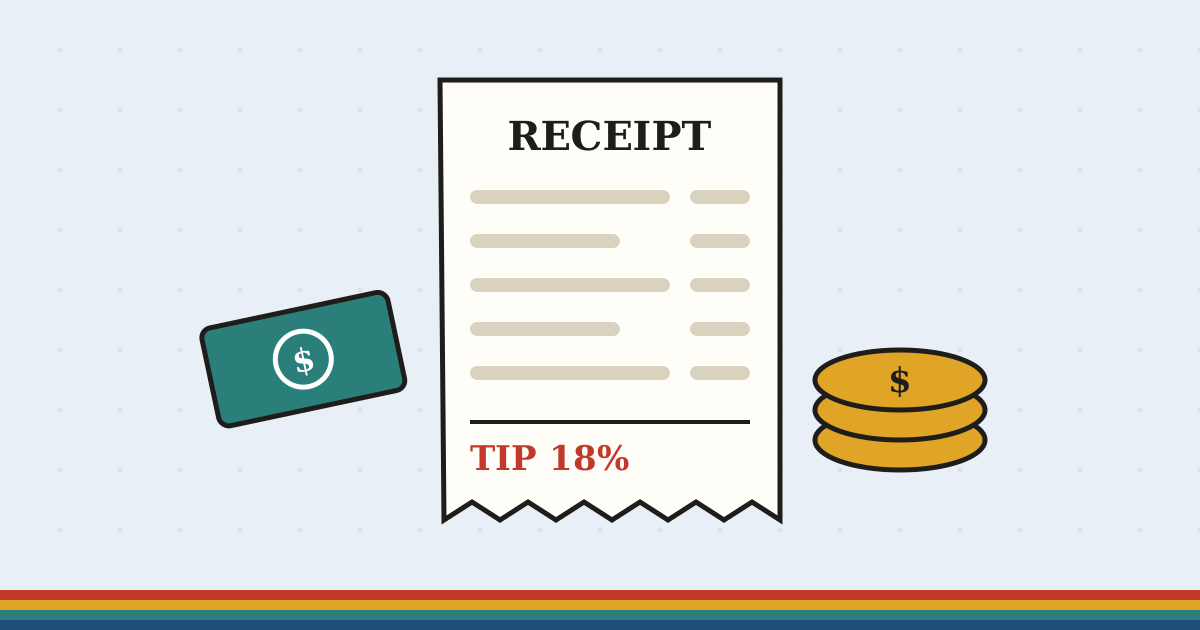
The tip, the total and each person's share when a group splits the bill.
Use the Tip CalculatorRead: How much to tipDiscount Calculator
The sale price after one discount, or two stacked together, and how much you really save.
Use the Discount CalculatorRead: Stacked discountsSales Tax Calculator
Add tax to a price, or take it back out of a total that already includes it.
Use the Sales Tax CalculatorRead: Working out percentagesUnit Price Calculator
Compare two pack sizes by price per ounce, gram or item and see which is the better buy.
Use the Unit Price CalculatorRead: Finding the best buyFuel Cost Calculator
What a drive will cost in fuel, and the cost per person if you share the ride.
Use the Fuel Cost CalculatorRead: Finding the best buyMoney and numbers
Percentage Calculator
What is 15% of 80, what percent one number is of another, and the change from one to the other.
Use the Percentage CalculatorRead: Working out percentagesHourly Wage Calculator
Turn an hourly rate into weekly, monthly and yearly pay, or a salary back into an hourly rate.
Use the Hourly Wage CalculatorRead: Hourly to salarySavings Goal Calculator
How much to put aside each month to reach a target by a date, with or without interest.
Use the Savings Goal CalculatorRead: Hourly to salarySimple Interest Calculator
Interest on a sum over time, simple or compounded, so you can see the difference.
Use the Simple Interest CalculatorRead: Working out percentagesAverage Calculator
Mean, median, mode and range of a list of numbers, with the sorted list shown.
Use the Average CalculatorRead: Calculator keysThe SolveCalc.lol calculator guide
What is SolveCalc.lol?
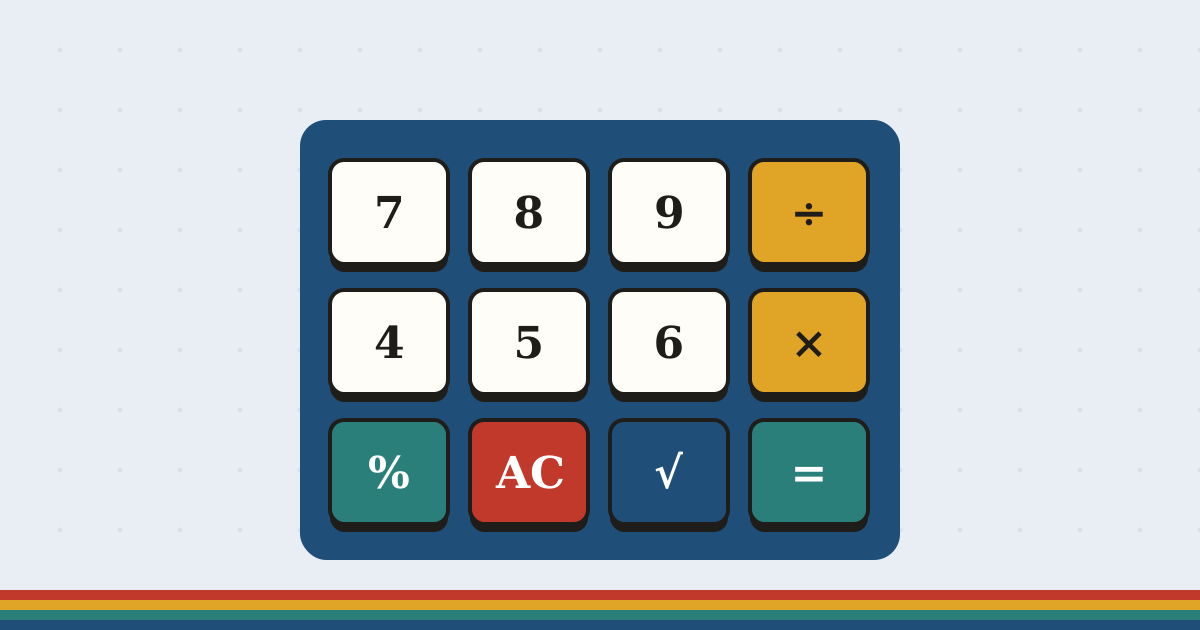
A calcsolver is just an online calculator that solves a sum the moment you type it, with no app and no account. SolveCalc.lol is one, built to feel like the solid desk calculators that used to sit next to every till and typewriter: big keys, a clear display, and a percent key that does what you expect.
People search for it as solvecalc, solve calc, calcsolver or calc solver. They are all after the same thing: a fast, free online calculator.
Keyboard shortcuts
You never have to click. The calculator listens to your keyboard as soon as the page loads:
| Key | What it does |
|---|---|
| 0 to 9, . | Type numbers |
| + - * / | Add, subtract, multiply, divide |
| % | Shop-style percent |
| ( ) | Brackets |
| Enter or = | Answer |
| Backspace | Delete the last character |
| Esc | Clear everything |
What can it solve?
| Problem | Example | Where to solve it |
|---|---|---|
| Everyday arithmetic | 1284 + 976 − 340 | Main calculator |
| Adding a percentage | 80 + 15 % | Main calculator |
| A share of a number | 15% of 80 | Percentage calculator |
| Percentage change | $64 to $80 | Percentage calculator |
| Tips and splitting | 18% on $86.40, 3 people | Tip calculator |
| Sale prices | 30% + 20% off | Discount calculator |
| Tax on a receipt | 8.25% on $49.99 | Sales tax calculator |
| Roots and powers | √144, 12² | Main calculator |
| Averages | mean, median, mode | Average calculator |
Worked examples: real sums, step by step
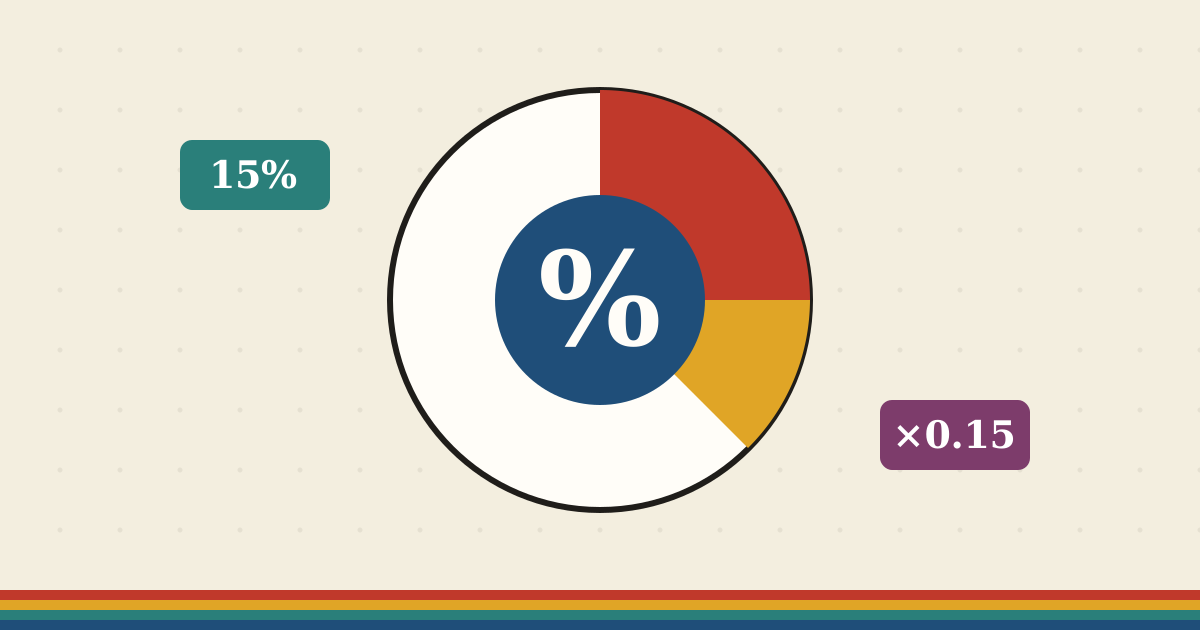
How to add 15% to a price
Problem: An $80 bill needs 15% added for service.
15 ÷ 100 = 0.15
0.15 × 80 = 12
80 + 12 = 92
On the calculator, type 80 + 15 % and press =. The % key does the first two lines for you.
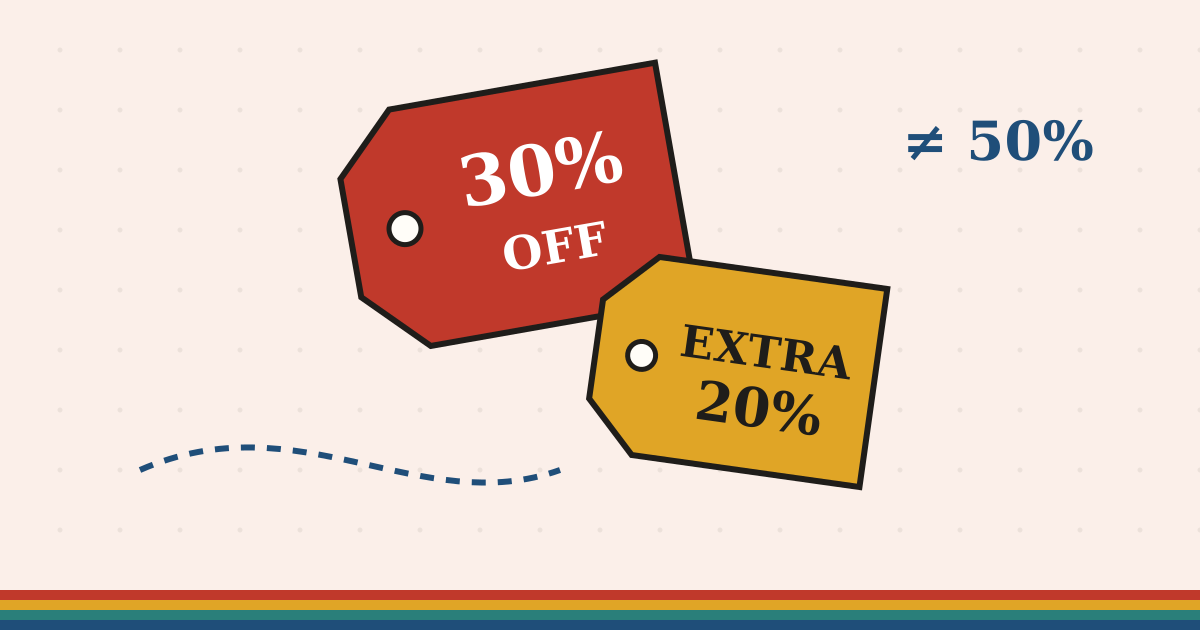
How to work out a discount on a discount
Problem: A $120 coat is 30% off, with an extra 20% off at the till.
120 × 0.70 = 84
84 × 0.80 = 67.20
Real discount: 52.80 ÷ 120 = 44%
Not 50%, because the extra 20% comes off the reduced price. The discount calculator shows this every time.
How to take sales tax out of a total
Problem: A receipt says $54.11 including 8.25% tax. What was the price?
1 + 8.25 ÷ 100 = 1.0825
54.11 ÷ 1.0825 = 49.99
Tax: 54.11 − 49.99 = 4.12
Taking 8.25% straight off would give $49.65, which is wrong.
How to turn an hourly rate into a salary
Problem: What is $22 an hour, full time, over a year?
40 × 52 = 2,080 hours
22 × 2,080 = 45,760
45,760 ÷ 12 = 3,813.33 a month
Before tax. The hourly wage calculator handles part-time hours and unpaid weeks.
How to find the diagonal of a rectangle
Problem: A TV screen is 3 feet wide and 4 feet tall. How long is the diagonal?
3 × 3 + 4 × 4 = 25
√25 = 5
Type 3 × 3 + 4 × 4, press =, then √.
How to compare two pack sizes
Problem: 16 oz for $4.29, or 28 oz for $6.99?
4.29 ÷ 16 = 0.268 an ounce
6.99 ÷ 28 = 0.250 an ounce
The bigger jar is about 7% cheaper per ounce. The unit price calculator does both at once.
Why not just use the phone calculator?
The calculator app on a phone is fine for adding up a bill, but it shows only the current number, hides the scientific keys behind a rotation, and its percent key behaves differently from one phone to the next. It also cannot be opened on a locked-down school or office laptop.
A browser calculator keeps the whole sum visible while you type it, works with a real keyboard, and opens anywhere there is a browser. The scratch notes underneath let you keep your working next to the answer, which is handy for homework, budgets and anything you will want to check later.
Guides worth five minutes
Questions people ask
Is SolveCalc.lol free?
Yes. Every calculator and guide is free, with no account, no download and no limit on how much you use it. The site is supported by advertising.
How does the % key work?
It works like a shop calculator. 80 + 15 % adds 15% to 80 and gives 92, 80 − 15 % takes 15% off and gives 68, and 80 × 15 % gives 15% of 80, which is 12.
Does the calculator work with my keyboard?
Yes. Type numbers and + - * / ( ) % directly, press Enter or = for the answer, Backspace to delete and Esc to clear. Typing in the scratch notes does not affect the calculator.
Are the trig keys in degrees or radians?
Degrees, which is what most everyday and school questions use. So 30 followed by sin gives 0.5.
Do you save what I type?
No. Calculations run in your browser. Your scratch notes and colour choice are saved in your own browser so they are there next time, and you can clear them at any time.
What is the difference between SolveCalc and CalcSolver?
They are two ways people search for the same thing: a quick online calculator that solves a sum. SolveCalc.lol is an independent site; its tools and guides are written for this site.
Does it work on a school Chromebook?
Yes. It is a normal web page, so it runs in Chrome on a Chromebook with nothing to install.